Blog · WhatsApp for small businesses
Sell on WhatsApp without the guesswork
Plain answers for businesses that sell through the WhatsApp Business app and WhatsApp Web: tracking leads without the API, following up, and staying on the right side of WhatsApp's rules.

WhatsApp CRM & leads without the API
How small businesses track leads, follow up and run a sales pipeline on the WhatsApp Business app and WhatsApp Web, without buying into the Business API.
Complete guide · 18 min readWhatsApp CRM for Small Business: Manage Leads Without the API (2026 Guide)The three ways to run a WhatsApp CRM as a small business, what each costs in time and money, and how to pick the right one before you outgrow chat labels.Read the guide
 ChatGPT and Claude for WhatsApp Business: 25 Things to Ask (With Prompts)Twenty-five ready-to-copy requests that let Claude, ChatGPT or Gemini do real work in your WhatsApp business through InboxCRM's MCP connector, sorted by job (catching up, replying, follow-ups, pipeline, campaigns, automations, orders, reports), with what each one needs switched on and where the AI stops to ask you first. · 8 min read
 Manage WhatsApp Orders With Claude or ChatGPT: Orders, Invoices, Stock and Couriers by AskingA daily order routine for small shops that sell on WhatsApp, run by asking an AI app connected to InboxCRM. Turn a chat into an order, send the quotation or invoice, mark payment, keep stock right, book the parcel, log expenses and read the day's numbers, with the prompts to use and the steps that wait for your yes. · 6 min read
 WhatsApp MCP Server: Connect WhatsApp to Claude, ChatGPT and Gemini Without the APIWhat a WhatsApp MCP server is, what an AI app can and cannot do through one, how to connect InboxCRM to Claude, ChatGPT or Gemini with one address, and the switches and previews that keep you in control of what goes out from your number. · 10 min read
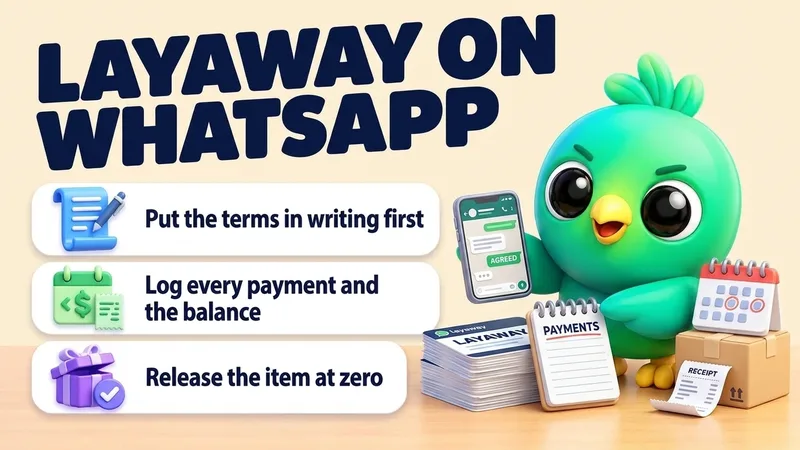 Layaway on WhatsApp: How to Hold Items, Track Payments and Release at Pickup (With Templates)A simple layaway routine for small shops that sell over WhatsApp. Write your terms once, open each layaway with one written summary the customer agrees to, set the item aside when the deposit lands in your own account, send a receipt with the new balance after every payment, remind before each due date, and release the item only when the balance is zero or cancel exactly as your written terms say. · 17 min read
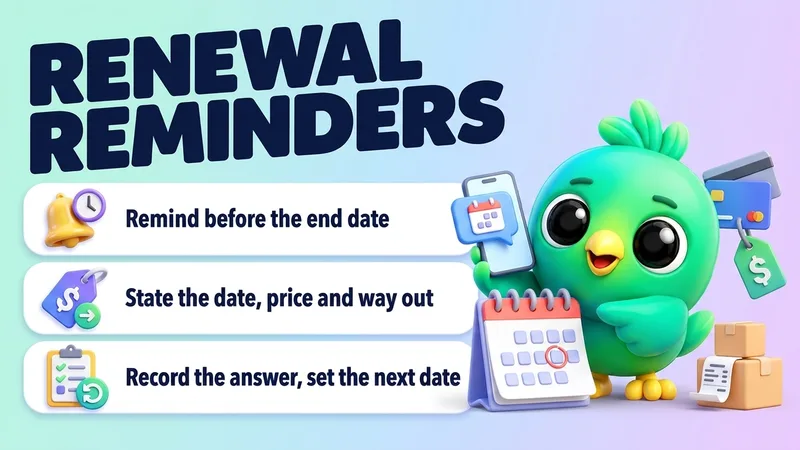 Renewal Reminders on WhatsApp: How to Renew Memberships, Packages and Retainers (With Templates)A simple renewal routine for small businesses that sell memberships, session packages, retainers and annual service plans over WhatsApp. Keep one list with each client's end or renewal date, send one clear reminder ahead of it that states what renews, when, at what price and how to stop, make yes, change and no equally easy, take payment outside the chat, and record the answer before you set the next date. · 15 min read
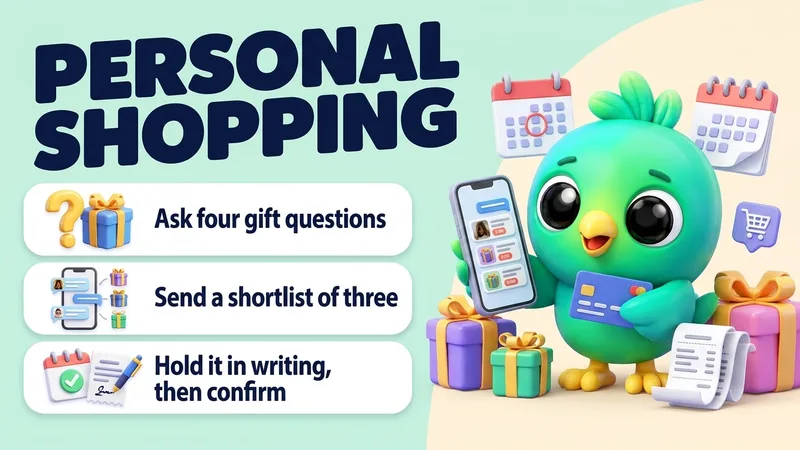 Personal Shopping on WhatsApp: How to Help Customers Choose Holiday Gifts (Questions, Shortlists and Holds)A practical way for small shops to help customers pick holiday gifts in WhatsApp chats. Invite gift requests with an opt-in link, ask four short questions, send a shortlist of three with photos and prices, hold the chosen item in writing for a set time, confirm the order with a clear ship-by date, and only remember recipients for next year if the customer agrees. · 16 min read
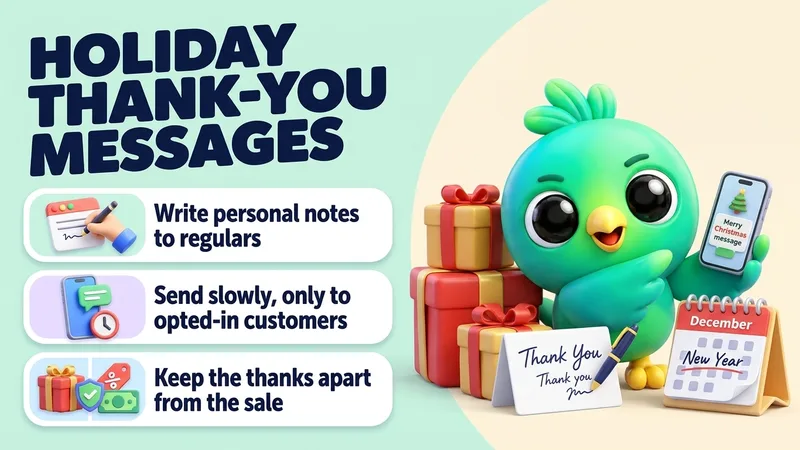 Holiday Messages to Customers on WhatsApp: Thank-You Notes From Thanksgiving to New Year (With Templates)A routine for small businesses that want to thank customers on WhatsApp between Thanksgiving and New Year. Sort customers into tiers, write personal notes to the people who matter most, send a short paced message only to customers who agreed to hear from you, keep greetings separate from sales, use Status for everyone else, and answer every reply. · 15 min read
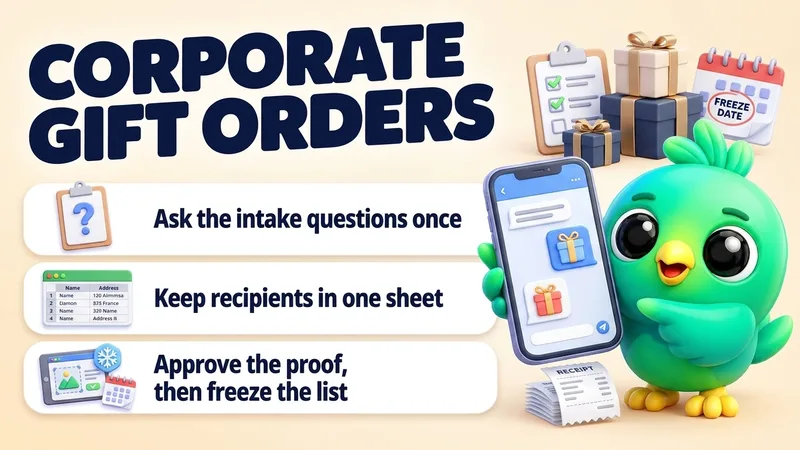 How to Take Corporate Gift Orders on WhatsApp (Quotes, Proofs, Recipient Lists and Deadlines)A routine for small gift, bakery, candle and print businesses that get corporate and bulk holiday gift orders over WhatsApp. Ask the right intake questions, quote per gift and per order, collect recipients in one spreadsheet instead of chat messages, get the proof and the deposit in writing, freeze the list on a set date, and keep the buyer updated until the last box arrives. · 14 min read
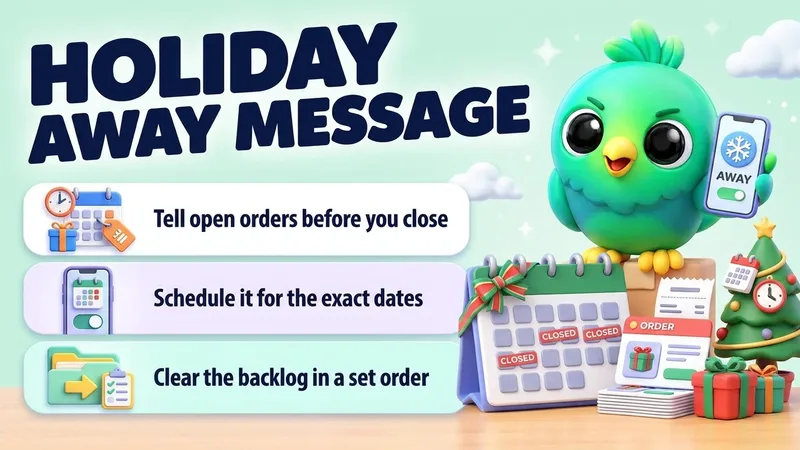 WhatsApp Holiday Away Message: How to Close for the Holidays Without Losing CustomersA holiday closure plan for small businesses that sell and support customers on WhatsApp. Decide your dates and cut-offs, tell the people with open orders and bookings first, schedule the away message for the exact closure dates, and work through the catch-up in a fixed order when you reopen, with copy-paste messages for Thanksgiving, Christmas and New Year. · 14 min read
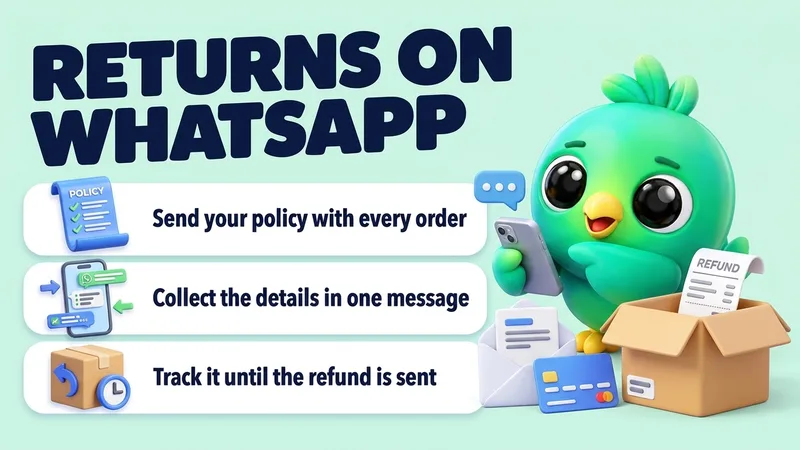 How to Handle Returns and Exchanges on WhatsApp (Including Holiday Gift Returns)A simple return and exchange routine for small sellers who take orders in WhatsApp chats. Write your policy once and send it before people pay, collect the details in one message, decide by the policy, confirm the outcome in writing, track every open return until it is closed, and plan ahead for holiday gift returns. · 16 min read
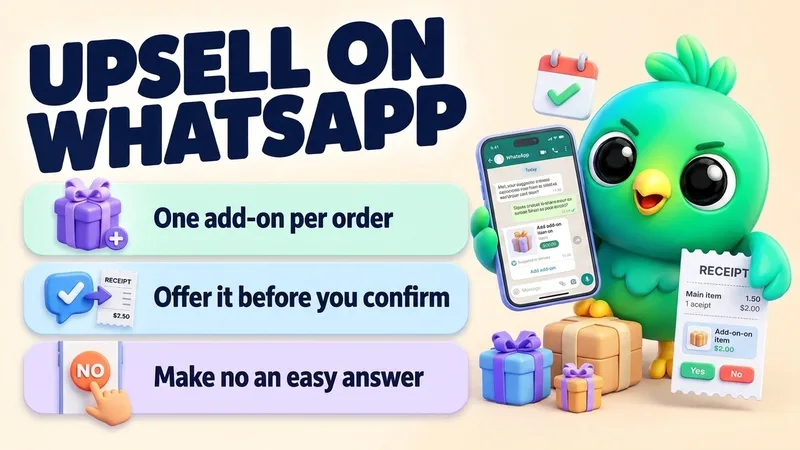 How to Upsell on WhatsApp Without Being Pushy (Add-Ons, Bundles and Timing)A simple way for small sellers to offer add-ons, upgrades and bundles in WhatsApp chats. Pick one relevant extra for each main product, offer it once before the customer confirms, show the new total in writing, make no an easy answer, and only suggest something after delivery if the customer agreed to hear about it. · 17 min read
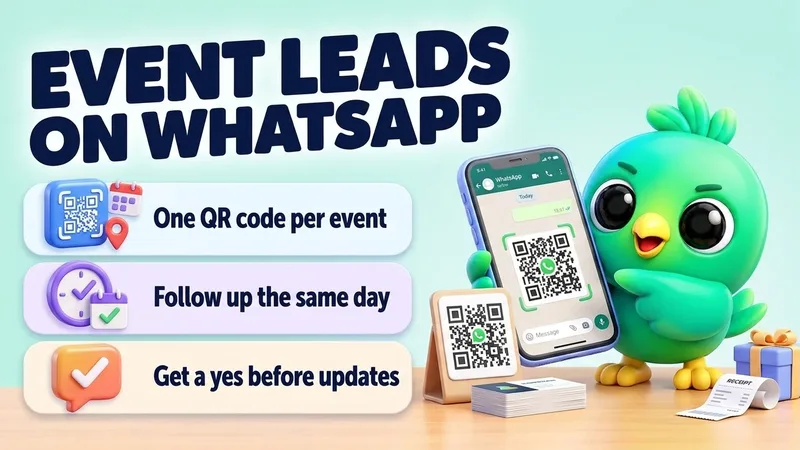 How to Follow Up Event Leads on WhatsApp (Trade Shows, Pop-Ups and Markets)A simple routine for small businesses that meet people at trade shows, pop-ups, holiday markets and expos. Give each event its own WhatsApp QR code with a pre-filled message, write one line about every visitor, send what you promised the same day, follow up once or twice, and ask before you add anyone to your updates. · 17 min read
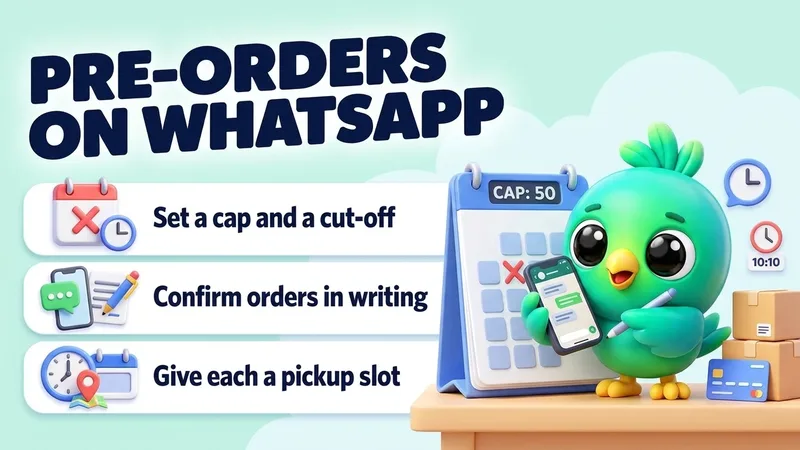 How to Take Pre-Orders on WhatsApp (Caps, Cut-Offs, Deposits and Pickup Slots)A practical pre-order routine for small sellers who take orders in WhatsApp chats. Decide what you can make and when you stop before you announce, tell only people who asked, confirm each order in one written summary, take payment by link, count against your cap, close on time, and give every buyer a pickup slot or a ship date you can keep. · 20 min read
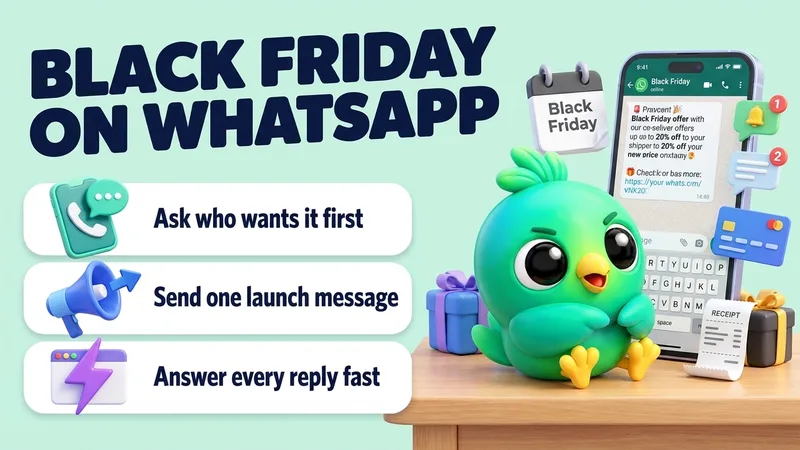 How to Run a Black Friday WhatsApp Campaign Without the APIA Black Friday and Cyber Monday plan for small US sellers who sell in WhatsApp chats. Build a sale list of people who said yes, send one launch message and one reminder only to people who asked for it, prepare answers for the questions that flood in, and turn replies into confirmed orders without overselling. · 18 min read
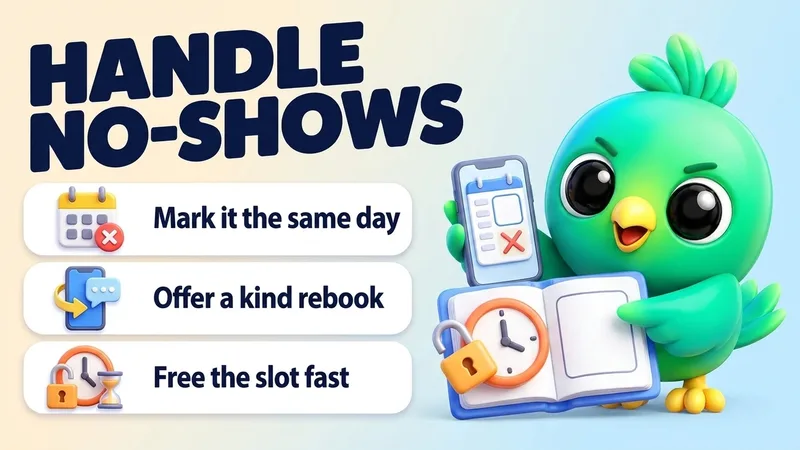 How to Handle Appointment No-Shows on WhatsApp (Recover and Rebook)A calm no-show routine for small service businesses on WhatsApp. Mark the miss the same day, free the slot (and offer it to your waitlist if you have one), send one kind check-in with an easy way to rebook, follow up once if they stay quiet, and write down the pattern so repeat misses get a clearer rule next time. · 14 min read
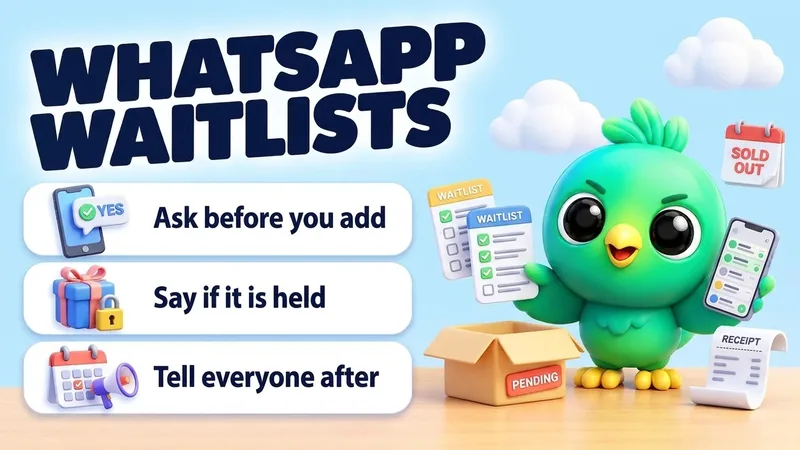 How to Run a Waitlist on WhatsApp for Cancellations and Sold-Out ItemsA simple waitlist routine for small service businesses and shops on WhatsApp. Ask before you add anyone, write down exactly what each person is waiting for and until when, pick one fair way to offer an opening or a restock, say plainly whether anything is held, and tell everyone who missed out where they stand. · 15 min read
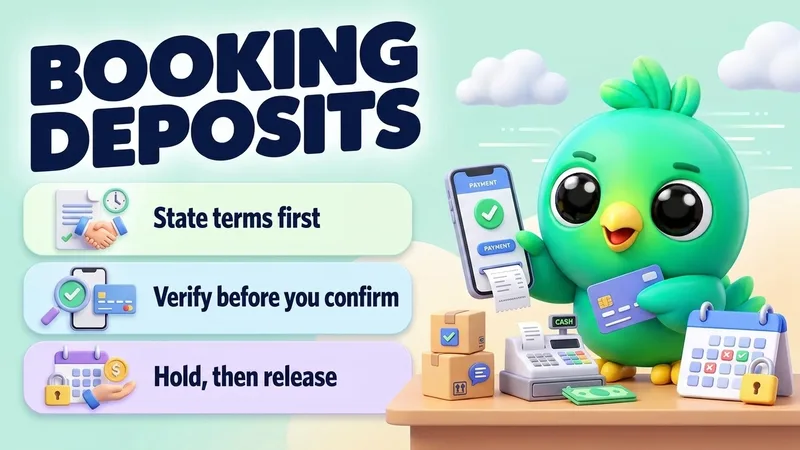 How to Take a Booking Deposit on WhatsApp (Holds, Confirmation and No-Shows)A practical booking-deposit routine for small service businesses on WhatsApp. State cancel and refund terms before you ask for money, send a hosted payment link instead of card numbers, hold the slot for a short window, confirm only after you verify the payment, and write the status next to the chat so no-shows and refunds stay clear. · 14 min read
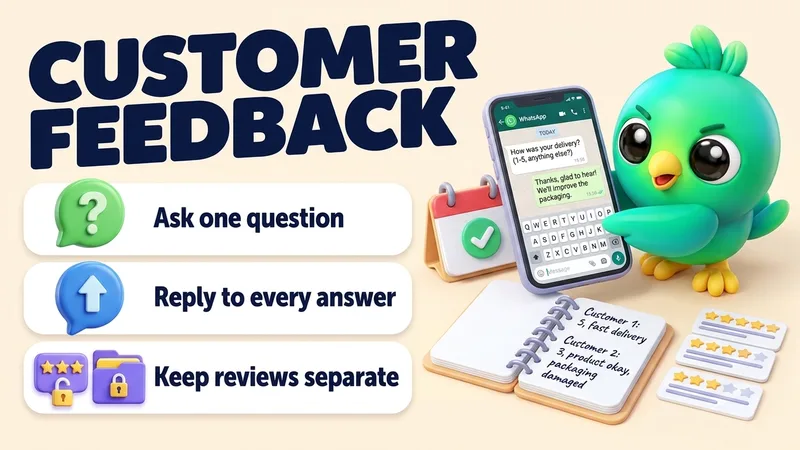 How to Collect Customer Feedback on WhatsApp (One Question, No Survey Tool)A simple feedback routine for small businesses on WhatsApp. Ask one short question in the chat you already have, at the same point for every customer, reply to every answer within a day, write the answer down next to the customer, and keep private feedback separate from your Google review requests. · 17 min read
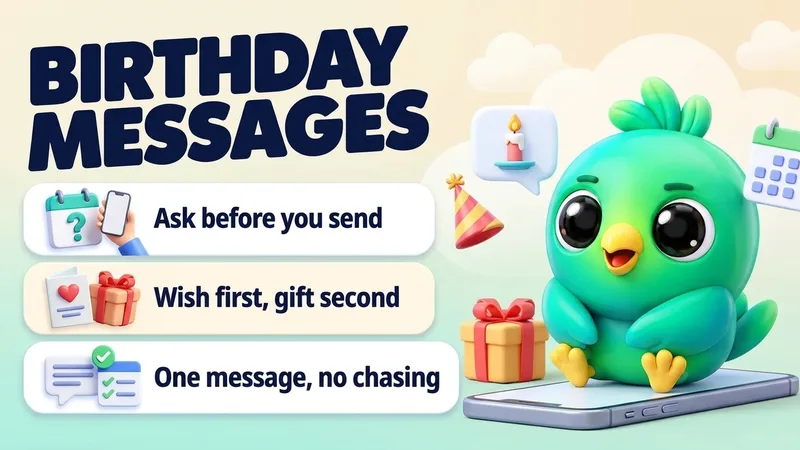 How to Send Birthday Messages to Customers on WhatsApp (Templates and Rules)A simple birthday routine for small businesses on WhatsApp. Ask regular customers for their birthday month and day, get a clear yes before you send anything, decide on a small gift ahead of time, send one short personal message in the morning, and keep a note of who said yes, who redeemed, and who asked you to stop. · 16 min read
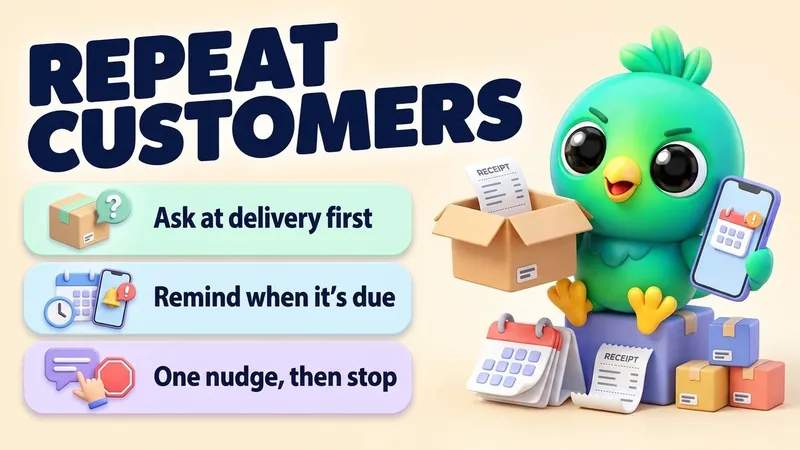 How to Get Repeat Customers on WhatsApp With Reorder and Service RemindersA simple repeat-business routine for small sellers and service providers on WhatsApp. Ask at delivery whether the customer wants a reminder, write down what they bought and how long it lasts, send one personal message when it's due, make reordering a one-word reply, and stop when they say no. · 17 min read
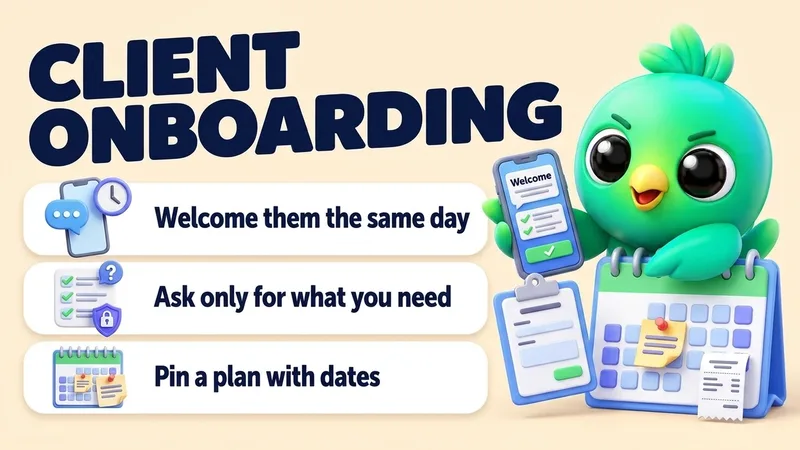 How to Onboard New Clients on WhatsApp: Welcome, Intake and KickoffA simple onboarding routine for service businesses that sign clients on WhatsApp. Welcome them the same day, ask only for the details you need (never full card, bank or ID numbers), pin a short plan with dates, agree how you'll use the chat, and check in after the first milestone. · 16 min read
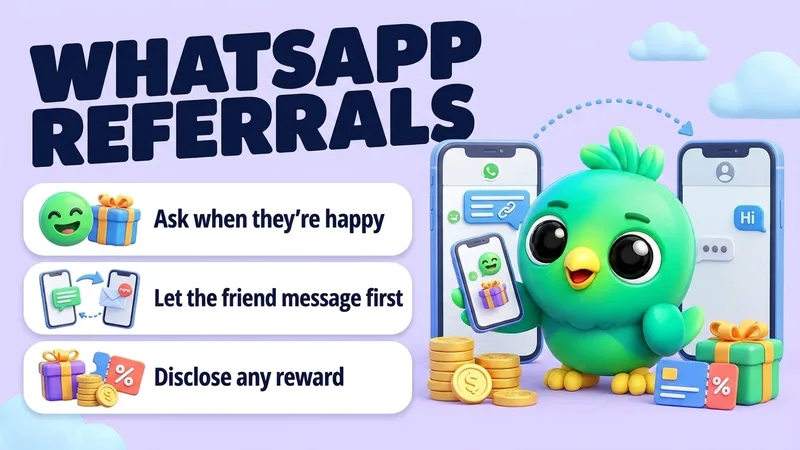 How to Ask for Referrals on WhatsApp Without Spamming Anyone's FriendsA simple referral routine for small businesses on WhatsApp. Ask when a customer is clearly happy, give them a short message and a link to pass on so the friend messages you first, say so if there is a reward, and record who referred whom. · 15 min read
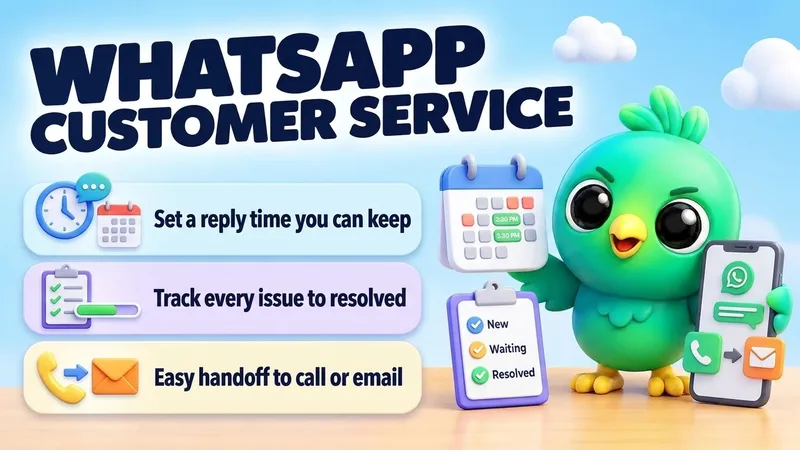 How to Handle Customer Service on WhatsApp Without a Help DeskA help-desk-free routine for small businesses that answer customers on WhatsApp. Tell people when you reply, give every open problem a status until it is resolved, answer the common questions from saved replies, and always offer a clear route to a phone call or email. · 17 min read
 How to Send a Payment Reminder on WhatsApp (Polite Templates, No API)A calm payment reminder routine for small businesses on WhatsApp. Put the invoice number, amount, due date and how to pay in every message, follow one fixed schedule from heads-up to final notice, and keep reminders easy to recognize so customers never mistake them for a scam. · 14 min read
 How to Ask for Google Reviews on WhatsApp (Without Breaking the Rules)A simple review-request routine for small businesses on WhatsApp: copy your Google review link, ask every customer the same way at the same point, send one reminder at most, and skip the incentives and star requests that Google and the FTC warn against. · 12 min read
 How to Send a Quote on WhatsApp Without Losing the Deal (No API)A practical WhatsApp quoting loop for small sellers: confirm what they need, send a clear price with an expiry and one next step, record the quote, then follow up without chasing forever. · 10 min read
 How to Confirm Orders and Send Delivery Updates on WhatsApp Without the APIA practical WhatsApp order loop for small shops: confirm the items and total, record the order, send one update per status and close the chat when it is delivered, without the Business API. · 12 min read
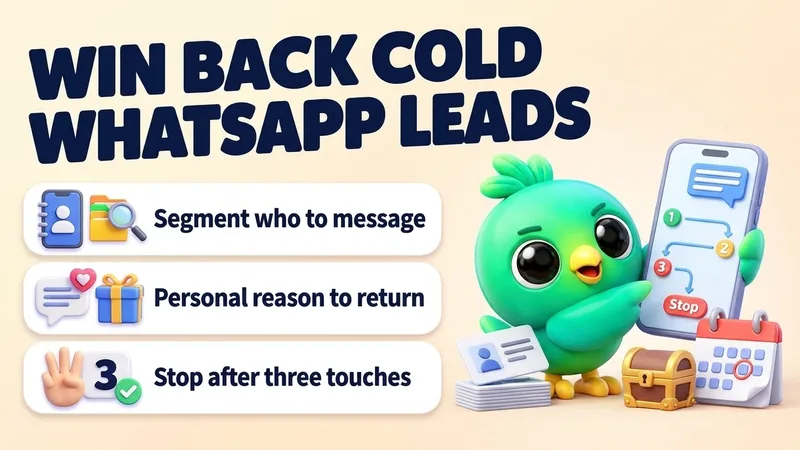 How to Reactivate Cold WhatsApp Leads Without a Bot or the APIA practical win-back loop for quiet WhatsApp leads: segment who is fair to message, send a personal reason to return, run at most three touches, then stop. · 10 min read
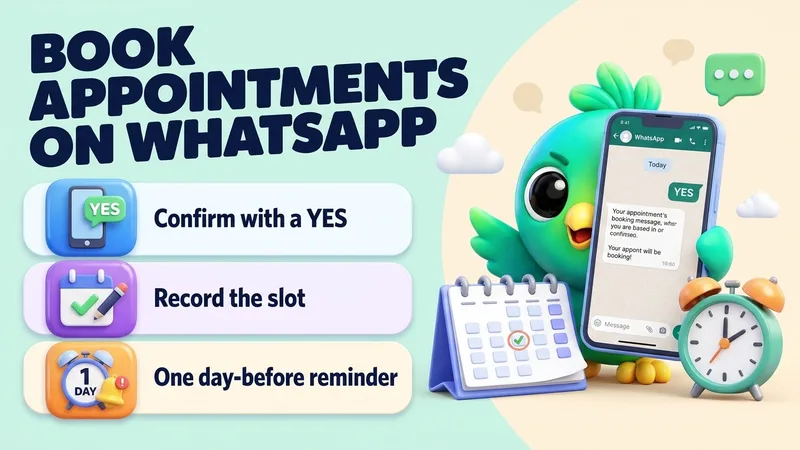 How to Book and Confirm Appointments on WhatsApp Without a Booking BotA practical WhatsApp booking loop for salons, tutors, clinics and agents: confirm the slot, record it, send a reminder and close the chat when it's done, without a booking bot. · 11 min read
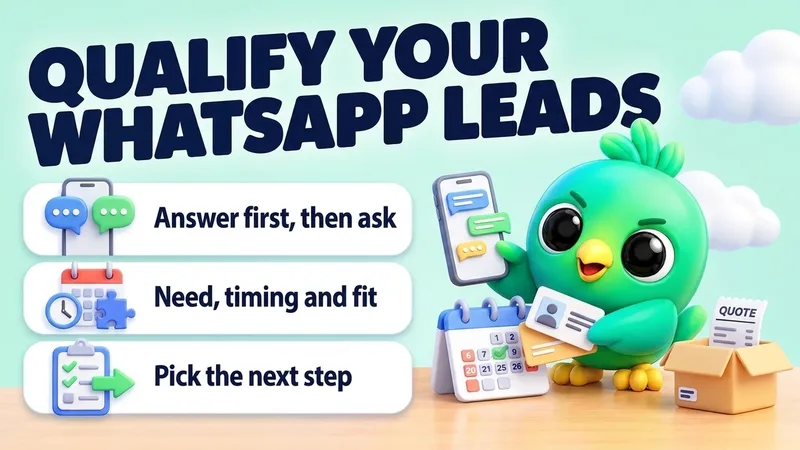 How to Qualify Leads on WhatsApp Without a Bot or the APISort serious WhatsApp enquiries from browsers in three or four messages, with question sets by business type, ready-to-send wording and a simple hot, warm and cold rule. · 11 min read
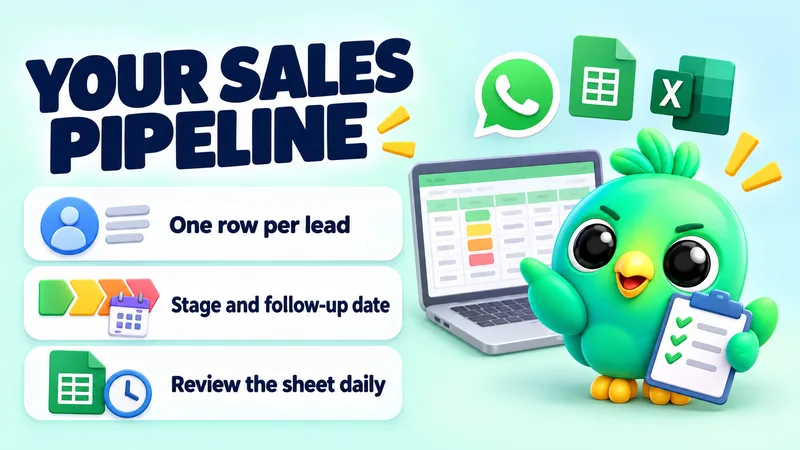 Free WhatsApp Sales Pipeline Template (for Google Sheets or Excel) and When to UpgradeA free CSV pipeline template for WhatsApp leads, with import steps for Google Sheets and Excel, a daily routine, simple formulas and signs it's time to upgrade. · 9 min read
 How to Manage Leads on WhatsApp Without the Business APIA step-by-step system for managing WhatsApp leads with the WhatsApp Business app and WhatsApp Web, no API needed, plus the signs that you really do need the API. · 10 min read
 How to Use WhatsApp Web for Sales: A Daily Workflow for Solo SellersA practical daily routine for selling on WhatsApp Web: triage new leads, give every chat a stage, reply from saved answers and never skip a follow-up. · 11 min read
 The 5 WhatsApp Sales Funnel Numbers Small Sellers Should TrackThe five numbers that show where WhatsApp sales are won and lost, how to calculate each from your own chats, and what to change when one of them drops. · 7 min read
 WhatsApp Business App vs API for a 1–3 Person Business (and the Third Option)An honest comparison of the WhatsApp Business app and the WhatsApp Business API for 1–3 person teams, with the API's pricing model, template rules and a middle option. · 11 min read
 WhatsApp Follow-Up Messages After a Quote: 20 Scripts With TimingTwenty polite WhatsApp follow-up scripts for after you send a price, grouped by timing, with placeholders to fill in and an easy way out on the later ones. · 8 min read
 WhatsApp Labels vs a Real CRM: When Labels Stop Being EnoughWhatsApp Business labels sort chats, but they can't track order, time or follow-ups. Here are the signs you've outgrown them and how to move to a simple CRM. · 8 min read
Safety, privacy & responsible automation
Honest answers on WhatsApp Web extensions, ban risk, opt-in and where your customer data goes. No promises that no tool can keep.
Complete guide · 14 min readAre WhatsApp Web Extensions Safe? Privacy, Ban Risk and How to Choose (2026)A plain-English guide to WhatsApp Web extensions. What they can access, where your customer data goes, what puts your number at risk, and how to choose one.Read the guide
 WhatsApp Scams That Target Small Businesses: 7 Tricks Aimed at Sellers and How to Stop ThemA practical guide for small businesses that sell on WhatsApp. Learn the seven scams that target sellers rather than shoppers, the one tell that gives each away, a calm reply you can copy, a 20-minute setup that closes most of the gaps, and what to do if someone takes over your number or pretends to be your business. · 20 min read
 A 10-Point Checklist Before You Install Any WhatsApp Web ExtensionTen checks any business owner can do in Chrome, no technical skills needed, before letting an extension read their WhatsApp Web chats. · 8 min read
 AI Replies on WhatsApp Web With Your Own OpenAI, Gemini or Groq Key: Cost and PrivacyBring-your-own-key AI replies on WhatsApp Web can cost fractions of a cent each. Here is how to estimate the bill and what each provider does with your customers' messages. · 10 min read
 How to Collect WhatsApp Opt-In Without the API (and Keep Proof)Collect WhatsApp opt-in with click-to-chat links, counter QR codes, a website widget or an order-form checkbox, then record it with a date and source and honour every opt-out. · 7 min read
 The 131 Spamware Extensions: What the WhatsApp Web Spam Report Means for Real BusinessesIn October 2025 researchers found 131 cloned WhatsApp Web extensions built for bulk spam. What happened, what is still unclear, and what small businesses should take from it. · 7 min read
 WhatsApp Broadcast Limits Explained (App vs API) and Sensible Sending HabitsWhat WhatsApp actually publishes about broadcast limits on the app and the API, what it doesn't, and sending habits that lower the risk of reports. · 8 min read
 WhatsApp Business Account Banned? Why App Numbers Get Restricted and What to DoHow to tell a ban from a restriction, how WhatsApp's in-app review works, the reasons WhatsApp gives for bans, and how to lower the risk of it happening again. · 10 min read
 WhatsApp Web Privacy Blur: Hide Chats at Work, in Shops and on Screen SharesCustomer names and messages show up on your screen all day. Here are the free ways to keep them private, and how a one-click privacy blur fits in. · 6 min read
 Where Does Your WhatsApp CRM Store Customer Data? Local-First vs CloudLocal-first and cloud WhatsApp CRMs store customer records in very different places. Here is what each gets right, what each costs you, and the questions to ask. · 8 min read
 Will a WhatsApp Web Extension Get My Number Banned? An Honest Risk GuideWhat WhatsApp's own Terms and help pages say about automated and bulk messaging, which habits get numbers reported, and what actually lowers the risk. · 8 min read

Turn your WhatsApp inbox into an organised sales workspace
Add the extension, open WhatsApp Web and start organising the chats you already have. No separate CRM to keep in sync.
- Works with your existing WhatsApp Web account
- CRM records stay on your device
- AI optional, your own key