Campaigns (Bulk Messaging)
Send one message to many people at once — with safe, human-like delays between each send so your number doesn't get flagged.
- 1
Click the paper-plane icon in the sidebar to open Campaigns.
- 2
Click "New campaign", pick or build a recipient list, and write your message (text, image, or a template).
- 3
Start the campaign — InboxCRM sends one by one with natural delays, and you can pause or resume anytime.
- 4
Check "Campaign history" afterwards to see what was sent, when, and to how many people.
Save a group of contacts as a "Recipient list" once, then reuse it for every future campaign.
inboxcrm.extino.net — campaigns
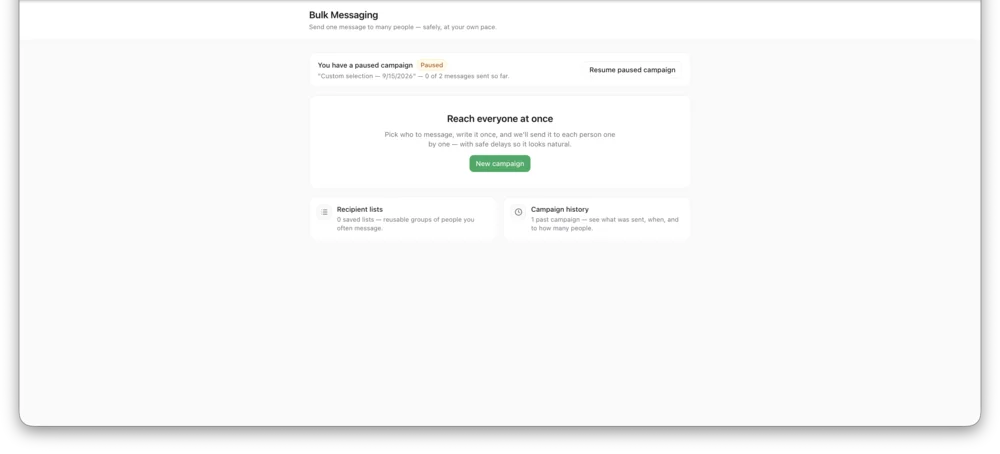
Actual InboxCRM screen.