Quick Replies
Save messages you send often — text, images, audio, even multi-step sequences — and fire them into any chat with one click.
- 1
Click the sparkle icon in the sidebar to open Quick Replies.
- 2
Click "New quick reply", write the message (or a sequence of steps), and give it a category if you like.
- 3
Inside any WhatsApp chat, click the lightning-bolt button next to the message box to open your saved replies and send one instantly.
- 4
Switch between Kanban and List view, or filter by title, to find a reply fast when you have many.
Group similar replies into categories (pricing, delivery, greetings) so the lightning-bolt menu stays easy to scan.
inboxcrm.extino.net — quick-replies
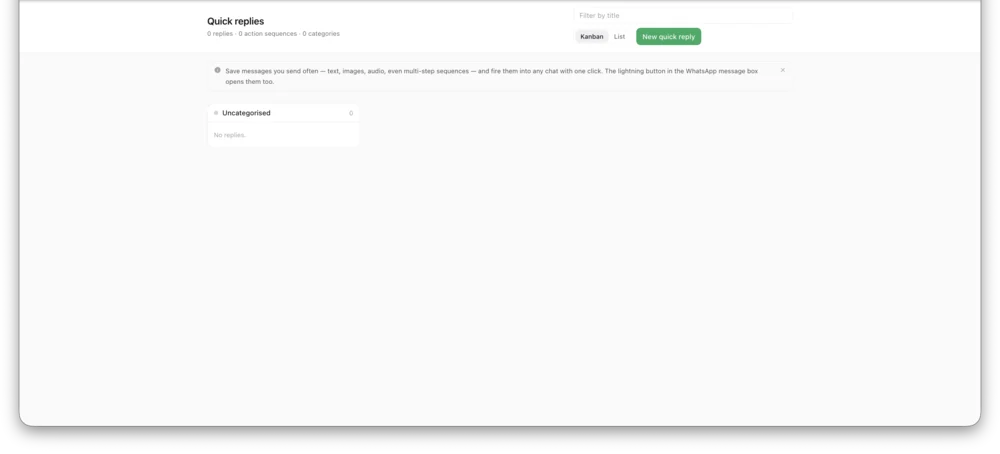
Actual InboxCRM screen.