Auto-Attendance
Automatic replies, like a receptionist: when an incoming message matches your rule (a keyword, outside business hours, a new conversation), the extension answers for you.
- 1
Click the robot icon in the sidebar to open Auto-Attendance.
- 2
Click "New rule" and choose what should trigger it — a keyword in the message, outside your business hours, or any first-time chat.
- 3
Write the automatic reply, then save the rule as Active.
- 4
Filter the rule list by All, Active or Inactive to keep track of what's currently running.
Combine this with Chatbot Flows for anything that needs more than one back-and-forth step.
inboxcrm.extino.net — auto-attendance
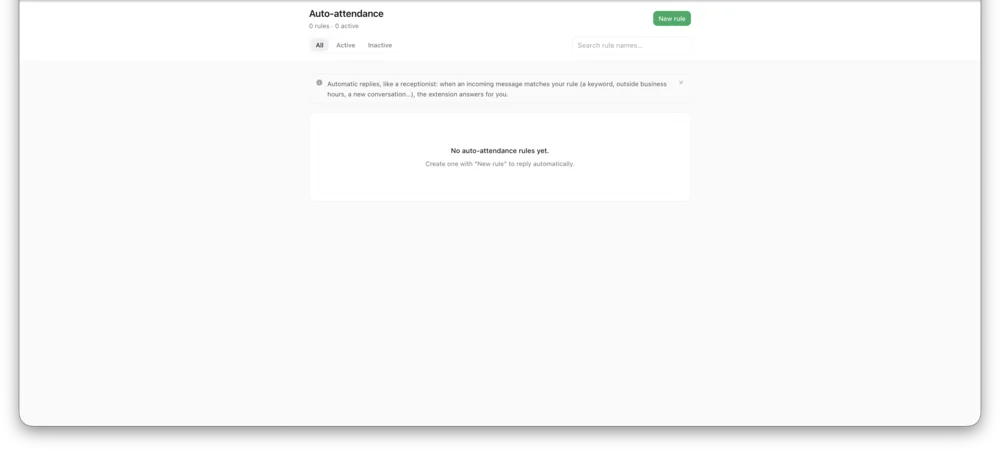
Actual InboxCRM screen.