Follow-Up Rules
Automations that fire when a chat enters or leaves a CRM stage — for example, message anyone who sits in "Negotiating" for 3 days so no lead goes cold.
- 1
Click the follow-up icon in the sidebar (next to Auto-Attendance) to open Follow-Up.
- 2
Click "New rule", pick the CRM stage to watch, and set how long a chat can sit there before the rule fires.
- 3
Write the reminder or message that should go out automatically, and save the rule as Active.
- 4
Check Active vs Inactive rules any time to see what's protecting your pipeline right now.
Pair this with the CRM pipeline — Follow-Up only works on chats that are already sitting in a stage.
inboxcrm.extino.net — follow-up
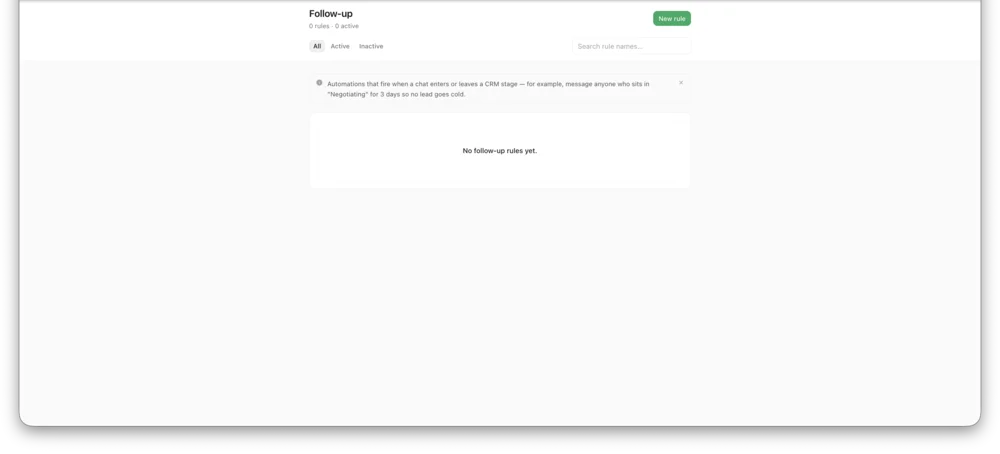
Actual InboxCRM screen.