CRM Pipeline
A Kanban board next to your chats. Every WhatsApp conversation can sit in a stage — Lead, Qualified, Proposal, Won or Lost — so you always know where a deal stands.
- 1
Open a chat, then click the Pipeline icon in the InboxCRM sidebar (or the Pipeline tab in the chat-tools panel next to any open chat).
- 2
Pick a stage from "Move to stage" — the chat's card appears on your board instantly.
- 3
Open the full board (Pipeline icon) to see every stage as a column, drag cards between stages, or add a card manually with a name or phone number.
- 4
Rename stages, change their colour, or add new stages with "+ Stage" to match how you actually sell.
Your pipeline feeds the Sales Funnel dashboard automatically — no separate setup needed.
inboxcrm.extino.net — crm-pipeline
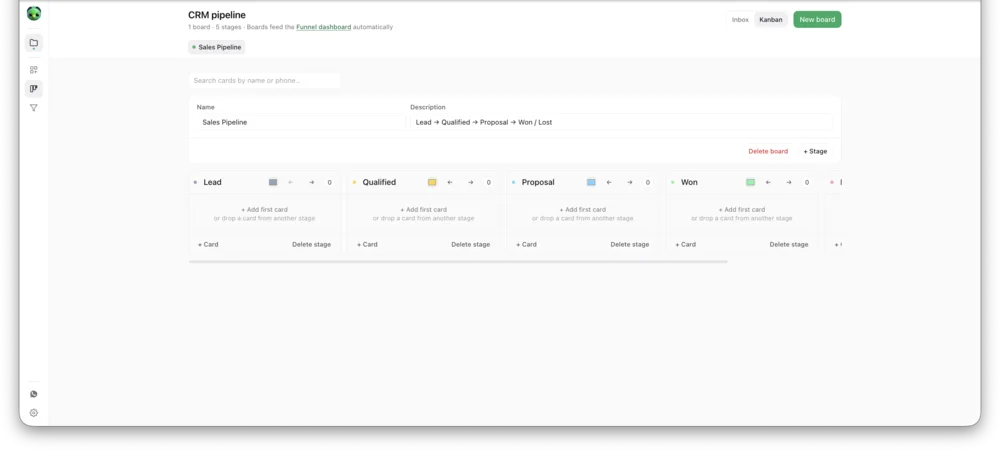
Actual InboxCRM screen.