Chatbot Flows
Build a small chatbot by connecting simple blocks — it can greet people, ask questions, and reply on its own, even while you're away.
- 1
Click the nodes icon in the sidebar to open Chatbot Flows.
- 2
Click "Create new flow" for a blank canvas, or start from a template.
- 3
Add blocks (trigger, message, question, condition) and connect them by dragging between the nodes — this is your visual editor.
- 4
Turn the flow "Active" when you're happy with it, and watch "fired" count go up as it replies to real chats.
Export a working flow as JSON to back it up, or import one a teammate built.
inboxcrm.extino.net — chatbot-flows
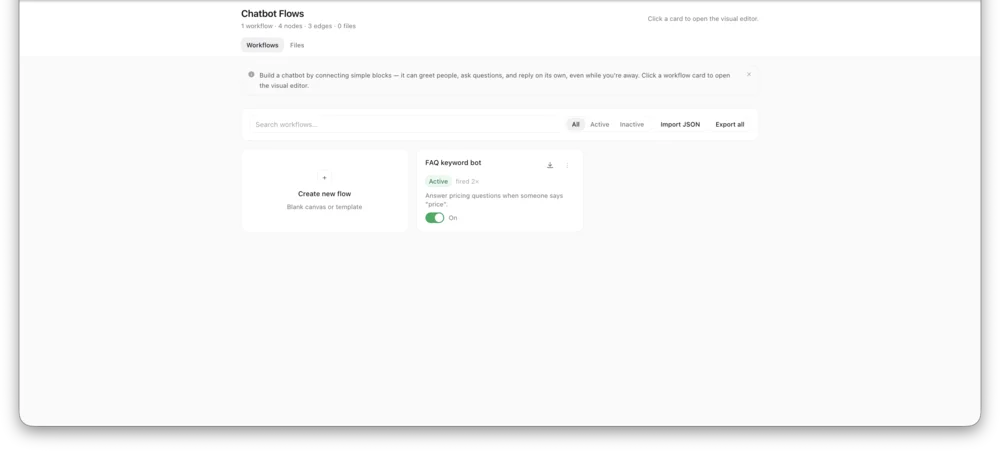
Actual InboxCRM screen.